Compatible with Chrome and Edge
Instruction Guide
We have a simple tutorial guide which explains the features of the software extension and what each button inside the extension does. Read our tutorial and welcome guide on how to use the extension to the fullest. Use all the features of this browser software.
If you are interested in other web extensions to install, you might wish to check out the Microsoft Bing Search with Rewards extension.
Microsoft Bing Search with Rewards Extension
It allows you to complete daily offers to get points.
Track the number of points you have currently and the rewards you can redeem with these points.
The ways to get points & get rewarded is search with Bing, browse with Microsoft Edge and shop at the Microsoft and Windows stores to earn rewards.
Sponsored Link:
Other useful extensions
Another extension which would be useful to install is the iCloud bookmarks extension.
It allows to keep your Chrome bookmarks on Windows synced up with the Safari bookmarks on your iPhone, iPad, and Mac.
iCloud will store your website bookmarks so it is accessible even on your iPhone and Mac.
Try these other two extensions and see if it will boost your daily productivity.
Easily open desired APK links with Bluestack
Features:
Install and open.
- After installing the extension. You right click on the file you wish to open with Bluestack and choose "Open with Bluestack" using the context menu.
What is Bluestacks?
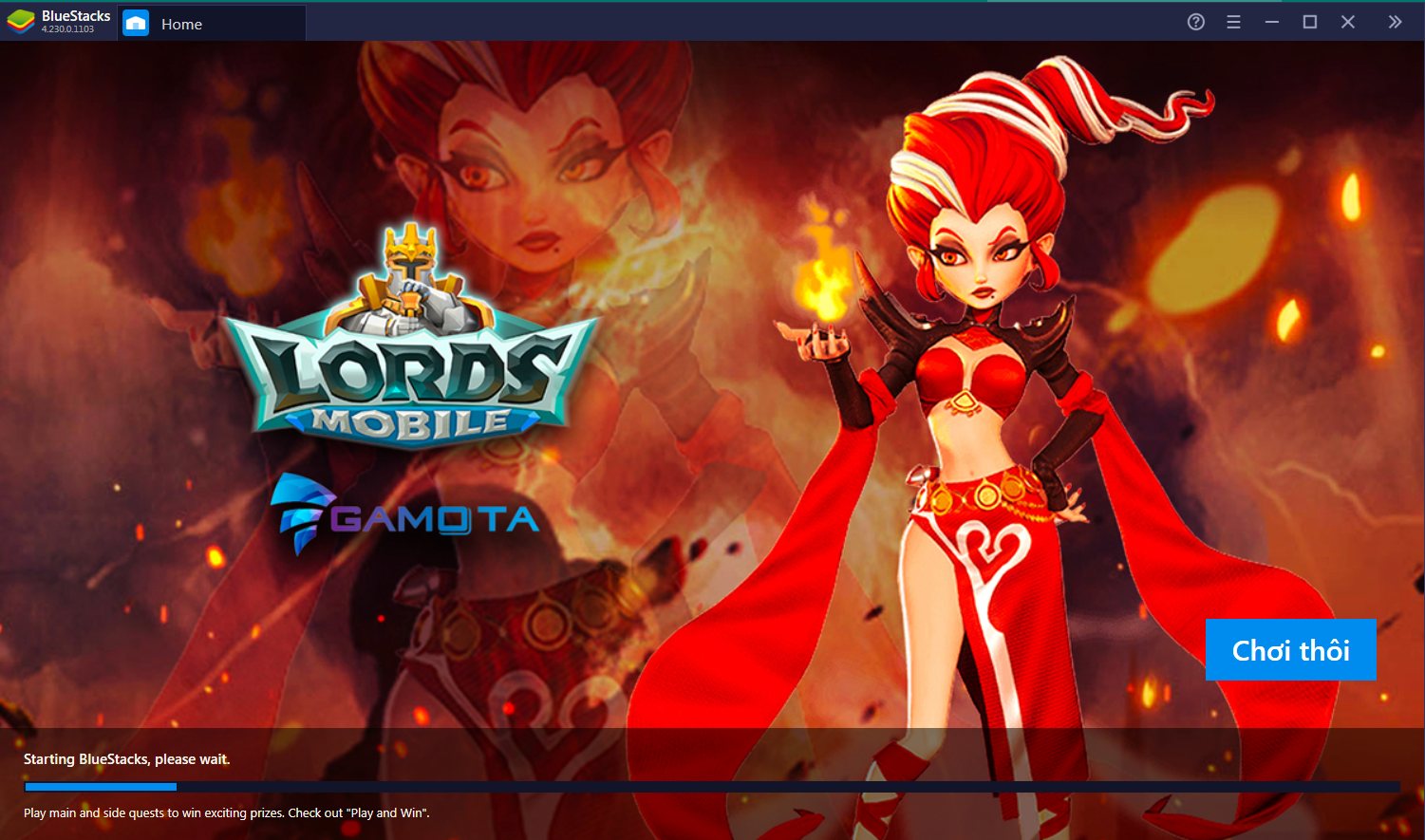
Bluestacks is an Android emulator for Windows PC. It allows you to run Android apps and games on your Windows PC.
Bluestacks is a powerful tool that allows you to use the mobile phone as a fully functional computer. You can run any application on your computer using Bluestacks, including WhatsApp, Instagram, and Facebook.
Using Bluestacks, you can install all kinds of applications on your laptop or desktop. You can also play games, watch videos, listen to music and more. The best thing about Bluestacks is that it can be used for free!
Bluestacks is a powerful application that can run your favorite applications, such as games on your PC. The software offers you to use the apps on your PC without any trouble. This means you can play all those games on your PC using Bluestacks.
Here are some of the popular games users play on Bluestacks:
Modern Combat 5
Minecraft PE
Clash Royale
Clash of Clans
Candy Crush Saga
The main reason people enjoy using Bluestacks to play android games is because the monitor screen size is a lot bigger versus the phone screen.
Tutorial:
- Install the Extension
-
After installing the extension, click on the icon
 on the toolbar.
Sponsored Link: